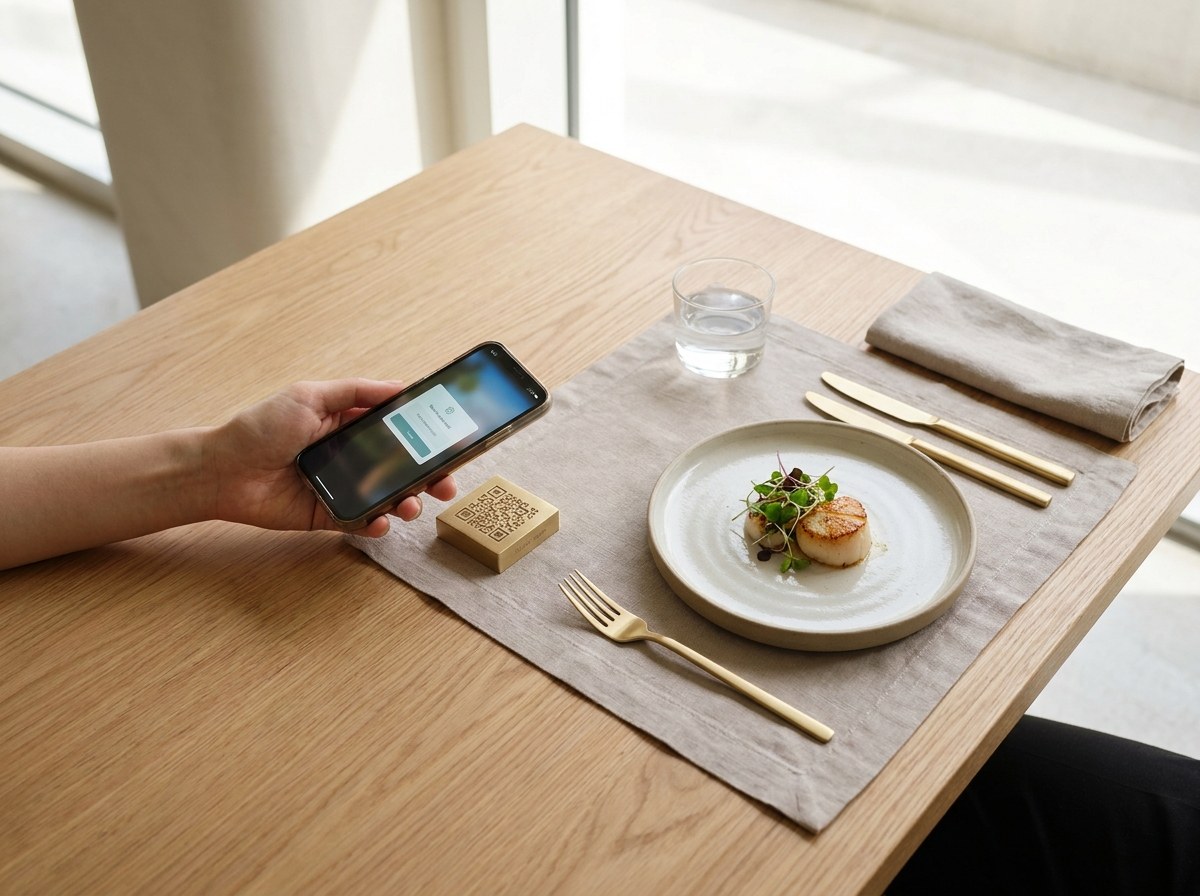
Ordering, The Way It Should Work
Every order goes straight from your phone to the restaurant's kitchen — no marketplace in between, no commission baked into your bill.
From Table To Tracker, In Five Steps
Scan Or Tap To Open The Menu
Scan the table QR code for dine-in, or open a restaurant's link for takeaway or delivery — the live menu opens straight in your browser, no app to install.
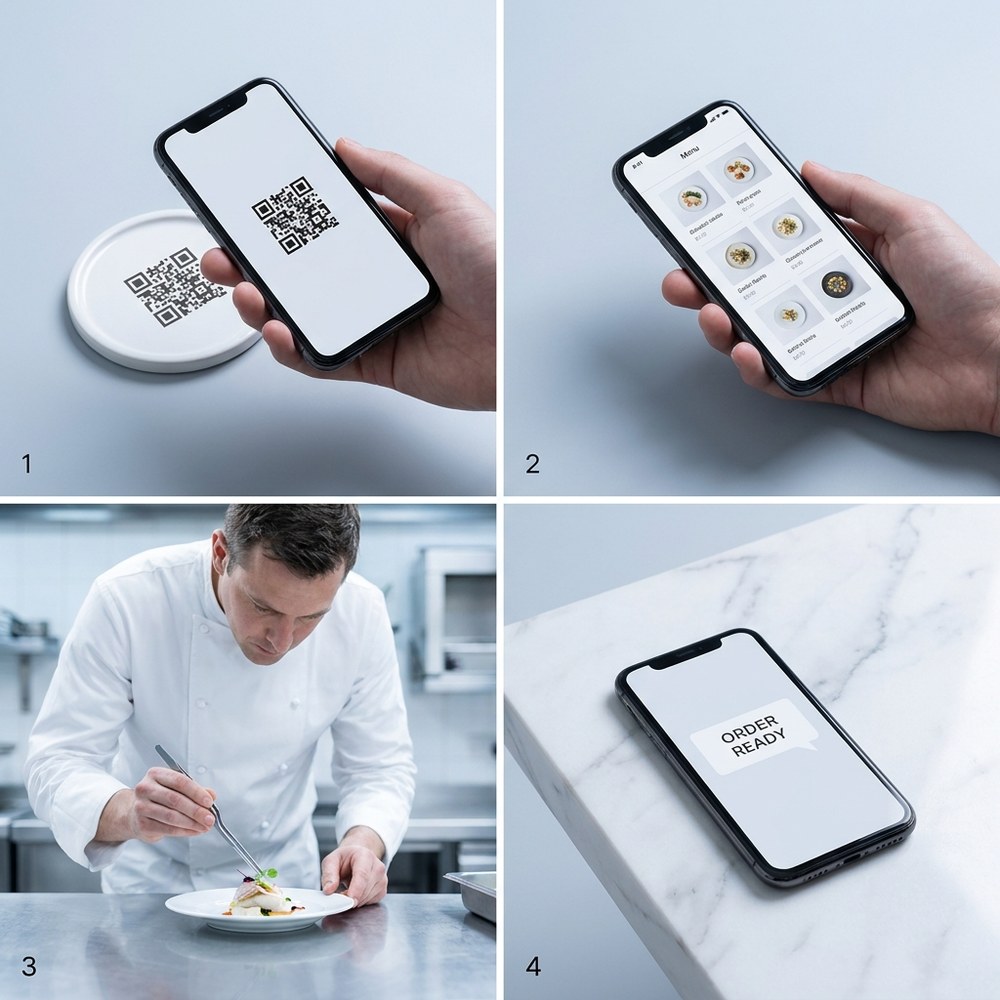
Build Your Order
Add items, leave a note for the kitchen if you need to, and apply a discount code or wallet balance if you have one.
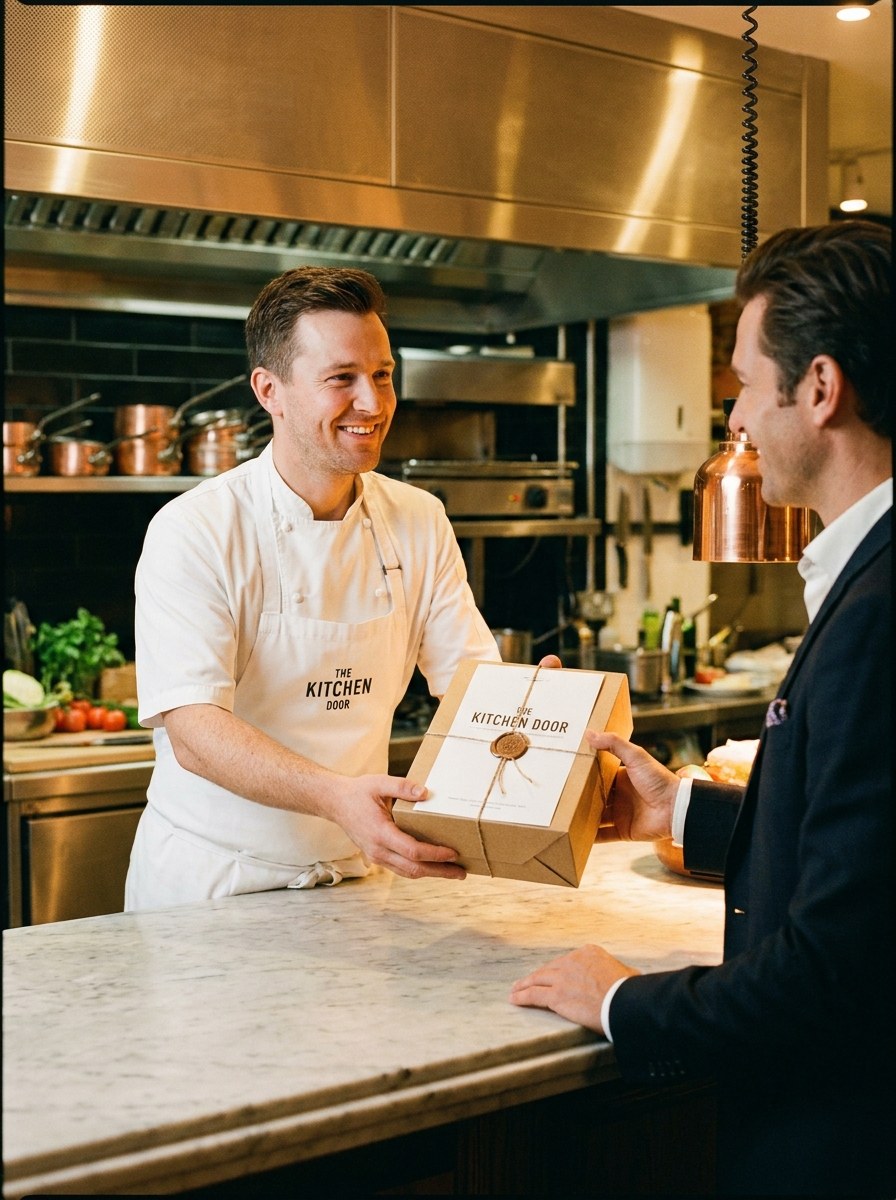
Send It Straight To The Kitchen
Your order goes straight to the restaurant's kitchen, with no marketplace in between, and you see the moment the restaurant confirms it.
Track It Live
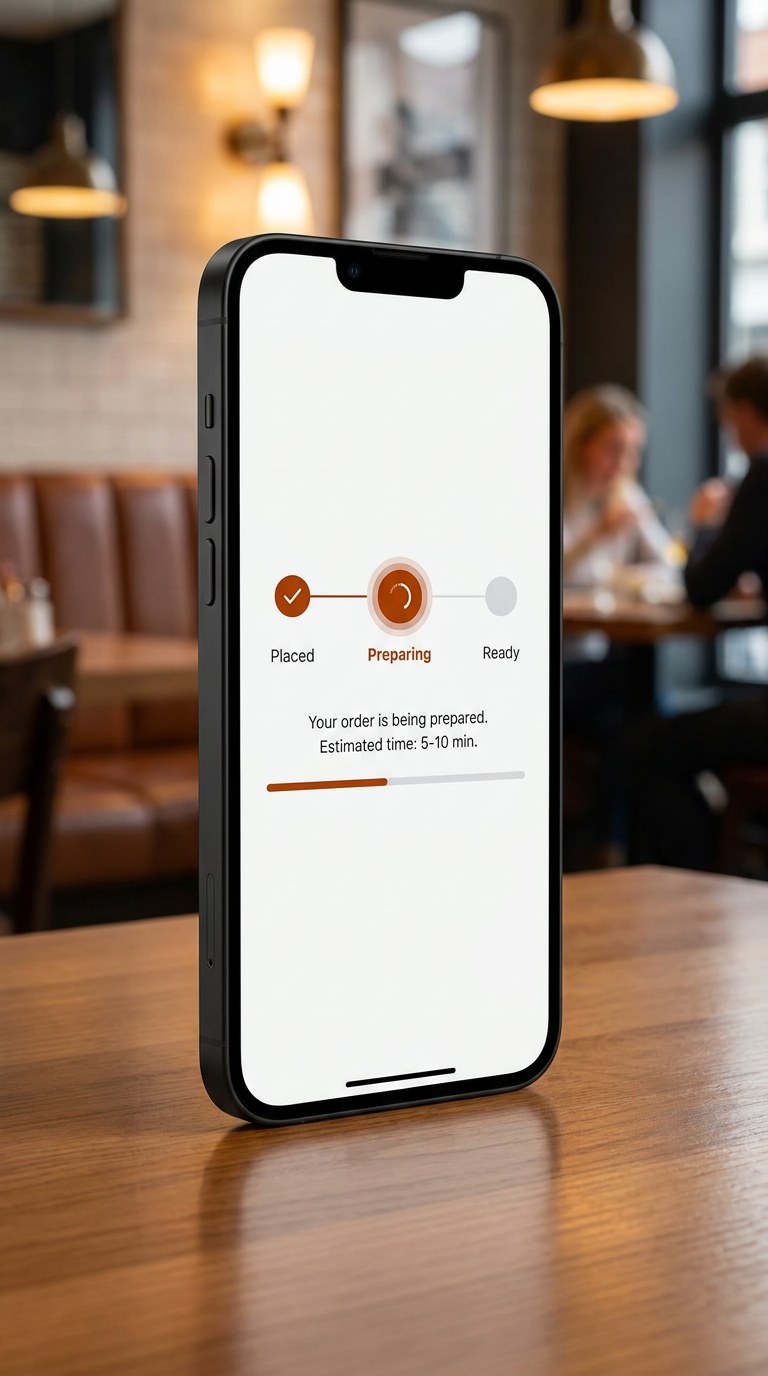
Watch your order go from placed to being prepared to ready, live, on the same page you ordered from. No refreshing needed.
Pay And Enjoy
Pay online when you order, or at the counter, with your table bill or on delivery, whichever the restaurant offers. Then rate your order, and collect points and any cashback the restaurant gives.

Why Order Direct
Ordering from the restaurant itself on Palateflow, compared with a typical marketplace app.
Commission on your order
Palateflow
A Typical Marketplace App
Who receives your order
Palateflow
A Typical Marketplace App
Offers and cashback
Palateflow
A Typical Marketplace App
App download needed
Palateflow
A Typical Marketplace App
| Palateflow | A Typical Marketplace App | |
|---|---|---|
| Commission on your order | 0% | Often 20–30%, which can push menu prices up |
| Who receives your order | The restaurant, directly | The marketplace, then the restaurant |
| Offers and cashback | Set by the restaurant itself | Set by the app |
| App download needed | No, it works in your browser | Usually yes |
Rewards and Palateflow Gold
More back from every order, on top of each restaurant's own offers.
Questions about your wallet, points or Palateflow Gold? Read the FAQ
Ready To Try It?
Pick a restaurant and place your first order in under a minute.